In-game
Grab and throw
Grab the pet with your hand and throw it far. Your friends can too: anyone near you. Let go, and it comes back to your shoulder on its own.

Launch price: goes up after the first 100 sales. Pay once, no subscription. 7-day guarantee.
I'm a Katapet, a little AI pet for your VRChat avatar. I talk with you and your friends, out loud. Just ask, and I'll do tricks or look things up online. And if someone speaks another language, I'll translate for you.
Video by JhoNz, one of our testers, in Portuguese with English subtitles. The avatars and worlds in the video don't come with Katapet. Avatar Shinano: @ぽんでろ #Shinano3D.
Grab one. Go ahead, throw it.
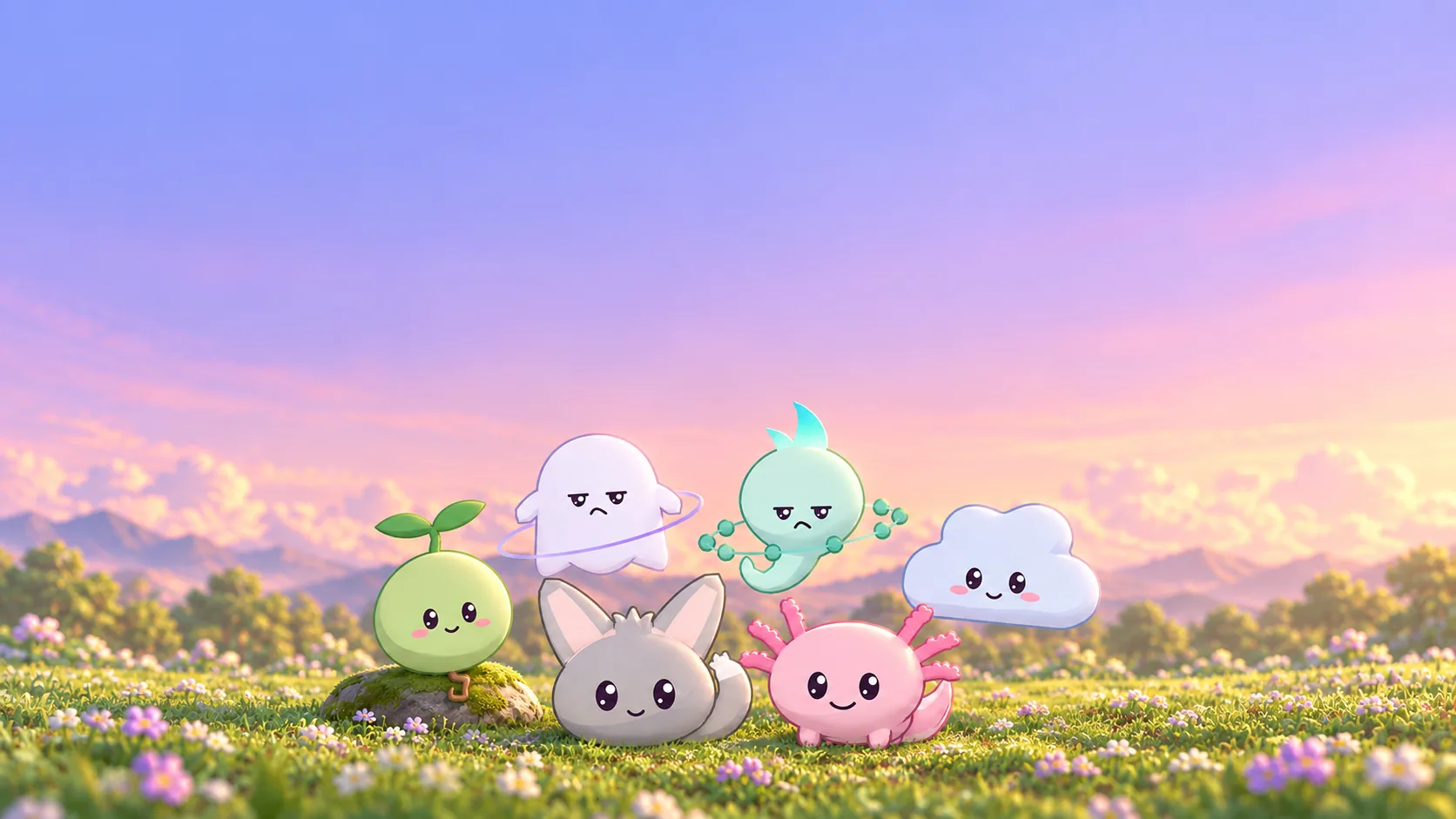
Illustrated scenery. The pets are the real in-game ones.Video by JhoNz, one of our testers, in Portuguese with English subtitles. The avatars and worlds in the video don't come with Katapet. Avatar Shinano: @ぽんでろ #Shinano3D.
First things first: the app needs a Windows PC, and the pet goes on your avatar through Unity. Public avatars won't work: you need the avatar's files. See what you need
Included with your purchase
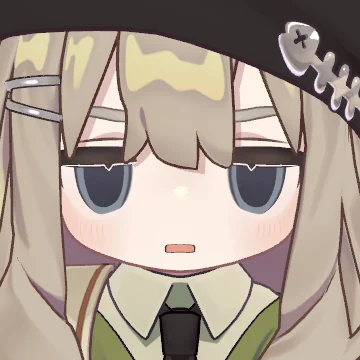
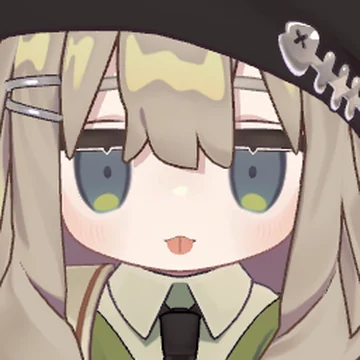
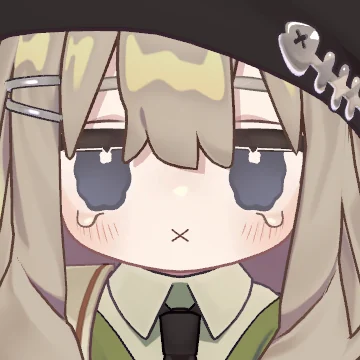
Prefer a person to a pet? Put a miniature avatar on your shoulder. It talks with you and, while it talks, changes expressions, moves its hands and plays animations. It also does tricks and can be thrown.
This is Kipfel on Usasaki's shoulder. But it can be any avatar you want.
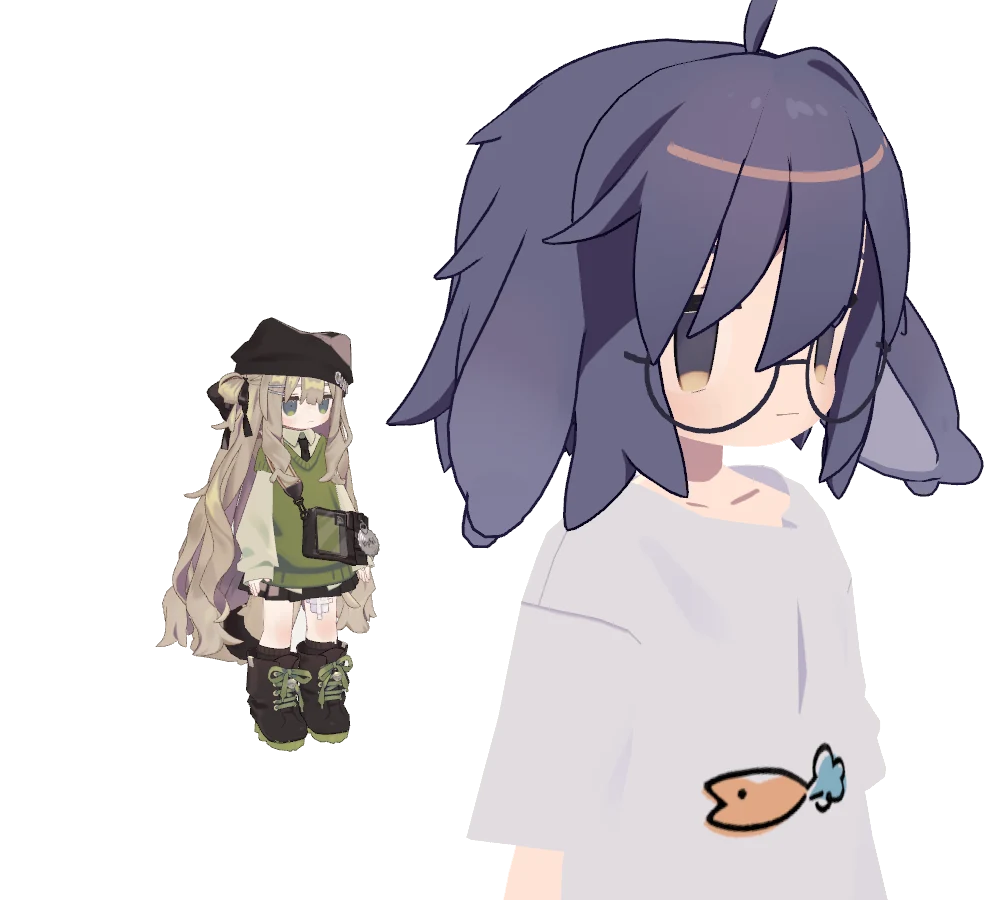
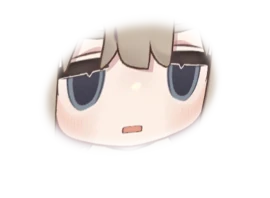
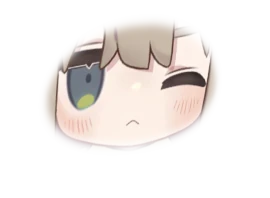
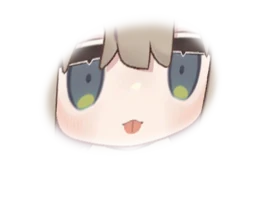
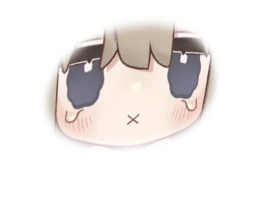
Click a face, and it changes in the photo:
The faces come from the avatar itself. The tool finds them on its own, and you can change them.
Check that your avatar's license lets you modify it. Kipfel (キプフェル) and Usasaki (うささき) are from the shop もち山金魚: they don't come with Katapet, and the shop has no connection with us.
 Pick one. Spoiler: it's me.
All six come with your purchase. One shows at a time, and you switch whenever you want, in the app or in the game's menu. You choose each one's name, color, voice and personality.

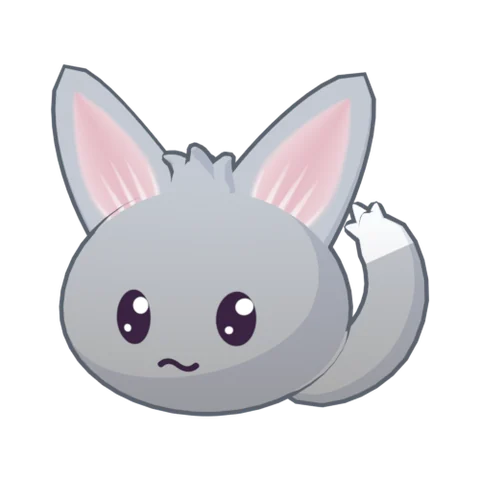
The big-eared one. Curious, chubby-cheeked, with a big fluffy tail.
Change her face:
It's the same menu you use in the game. And if you'd rather have just one pet on your avatar, each one also comes in its own lighter package.
 Go ahead, throw me. I'll be back.
Grab the pet with your hand and throw it far. Your friends can too: anyone near you. Let go, and it comes back to your shoulder on its own.
 Illustration
People on PC can sit on the pet. You throw it, and your friend flies along. When the pet returns to your shoulder, your friend comes back with it, no matter how far away.
A cookie appears in your hand. Bring it to its mouth, and it eats. This one's for people playing in VR.
In the app or the menu: one goes out, another comes in, in the same spot. And each one can be any color you choose.

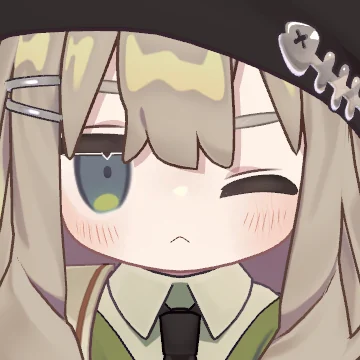
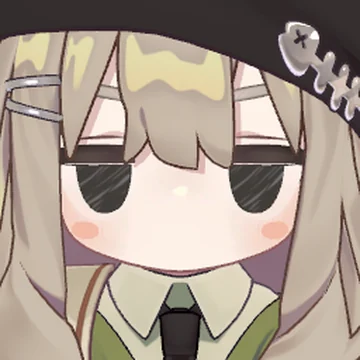 Miniature avatar
Its face changes with the conversation, and its mouth moves as it talks. Works for all 6 pets and for the miniature avatar.
Pay once, no subscription. 7-day guarantee.
 Call me by name.
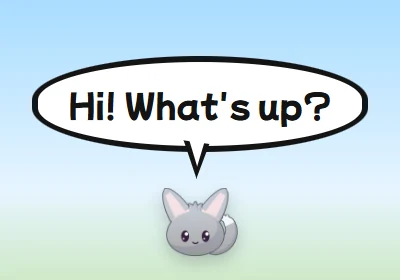
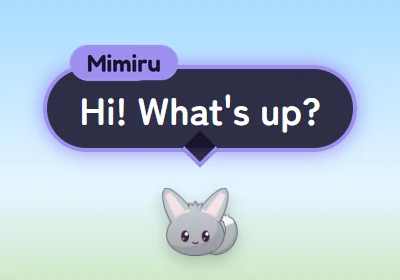
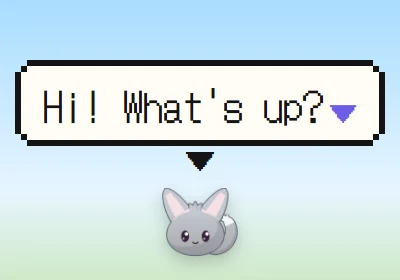
No canned lines: it understands what you said and answers right away, with a voice and a balloon above it. Give it any name you like and call it by saying its name in the game, or by holding a key. People nearby can hear it.
To talk with your friends, turn on “Hear other people” in the app. It's off by default, because it listens to VRChat's audio and, in the cloud, uses up the free quota faster. Let people nearby know. Grabbing, throwing, petting and sitting don't need it: they work right on the avatar.
Looks good! I just don't get the hat.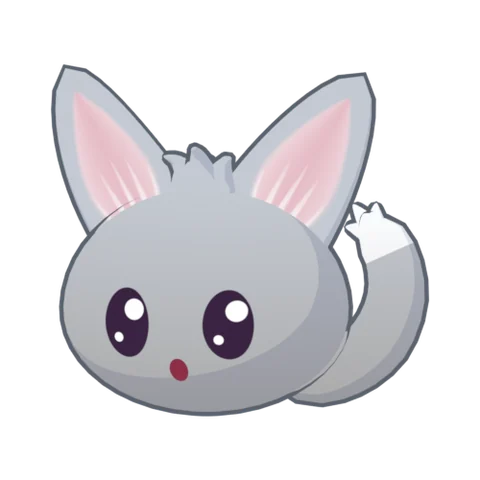 I do. It's the landing I don't like.
These four come with the app and run on your PC. They're AI voices.
You describe it, and an AI company creates it. That's paid, on your own account.
It can answer by voice, with a custom text balloon above it, or both. And if you prefer, you can type to it in the app's chat.
Cute, playful, calm, sarcastic, or write whatever personality you want.
Ask “what's that?”, and it looks at the VRChat window to answer. You can turn this off.
It searches when you ask, or when it thinks it needs to.
What you tell it, it can keep. You can see the list, correct it and delete things whenever you want.
 I'll translate. Grudgingly, but I'll translate.
Turn on the interpreter, and the pet translates between you and people nearby who speak another language: Japanese, Russian, Spanish. It figures out the language on its own, tells you in English and speaks in the other person's language.
You choose how to hear it: only in your headphones, for everyone, or just in writing.
It's machine translation: it can make mistakes, and it lags when lots of people talk at once. With the interpreter on, the app listens to VRChat's audio, and what you say becomes a translation for the other person, unless you say the pet's name. Let people nearby know.
Pay once, no subscription. 7-day guarantee.
 You can run on me. I'm the cloud.
To talk, the pet needs an ear, a brain and a voice. The app helps you get all of that running for free, on AI companies' free quotas or on your own PC. During setup, it checks your PC, marks the best option and walks you through it. You can change it later.
The lightest option. The ear and the brain run on a company's computers, and your graphics card stays free for VRChat. You create a free Groq account, which takes about 2 minutes and doesn't ask for a card. A second free account, with Google, improves vision and search.
What you say becomes text right on your PC, and only the text goes to the brain in the cloud.
No key and no account. Nothing from the conversation leaves your PC, except what it searches online, and you can turn that off. The card has to handle the pet and VRChat at the same time.
It's like a password for your account with the company. It's what lets the app use that company's AI. The setup assistant opens the site, shows you where to click and tests it for you.
It's how much each company lets you use for free. When the day's quota runs out, the app tells you, and the conversation comes back when it renews. Everything you say with the pet on counts, and listening to the room and the interpreter use it up faster.
The free voices run on your PC's processor, on any of these options.
Only if you want to. The app comes locked to “Free only”. You can use a paid brain or voice, on your own account, and the app shows an estimate and lets you set a limit.
No. And don't add a card to the free accounts: with a card, the company starts charging for every reply.
 Relax. One thing at a time.
You don't need to know how to code. Set aside some time for the first run, because there are a few steps.
Pay through Hotmart. Your purchase code, which starts with HP, arrives by email. The members area has the video course and the installer link.
Open the installer on Windows. When the app opens, it asks for your purchase code: just once, with internet.
It does one thing per screen: the name, the AI, the voice, the microphone and the audio cable that carries the pet's voice into the game.
In Unity, the program you use to edit avatars, import the package and drag the pet onto your avatar. It goes to the shoulder on its own. Then just upload.
Open VRChat, turn on OSC and switch the game's microphone. The app shows you where. Now just call it by name.
There's a step-by-step PDF guide in English, and a video course in Portuguese. And if you get stuck, we'll work to fix it: or on our Discord.
 Pay once. That's it.
Launch price
$9.99
Goes up after the first 100 sales.
No subscription. Lifetime purchase. 7-day guarantee.
I want minePayment is handled by Hotmart.
Within 7 days, you can ask for your money back through Hotmart. If the purchase is refunded, the app stops working.
Paste your purchase code once, with internet, and you're done. New PC or reformatted? Paste it again. If it doesn't work, write to .
Our server doesn't store your name or email.
 Read this first. It's for your own good.
One pet uses about 80 of the 256 parameter bits, all six together use about 120, and a miniature avatar uses up to 66. If it doesn't fit, Unity tells you when you upload.
The app installs VB-CABLE, a free audio cable that carries your voice and the pet's into VRChat. Windows asks for a “Yes”. If your PC's sound changes, the app helps you set it right. To play without the pet, just close the app and set VRChat's microphone back to yours.
One pet puts your avatar at Poor at most, on PC, because of the flashlight's light. All six together put it at Very Poor. A miniature avatar came out Poor in our tests, and Very Poor with an avatar loaded with clothes.
No seat, no flashlight light, and the balloon shows up without text or the letter sounds. All six together add 6 to 9 MB to the download, and the limit there is 10 MB. If the avatar is already at the physics limit, the pet loses head pats and throwing.
It's not an official VRChat feature and could stop working with a game update. The sound comes from one place only: when you talk, it goes back to your mouth. And it doesn't follow the pet when someone grabs or throws it.
With VRChat open, switching to a big brain on your PC can freeze the game.
On some, the person sits a bit crooked.
No. You use Unity to put the pet on your avatar, following the guide, and the app's setup assistant handles the rest. If you've never used Unity, set aside some time.
No. Running in the cloud, the heavy work stays with the AI companies, and your graphics card stays free for VRChat. Only the “All on your PC” option needs a strong card.
No. You pay once. The AI can be free, on the companies' free plans or on your PC. Paid services are optional and go on your own account.
Yes. The voice goes through your VRChat microphone, and the balloon shows above the pet. In interpreter mode, you can keep the translation only in your headphones.
They can. Turn on “Hear other people” in the app: anyone who calls the pet by name in the game gets an answer too, except in key mode. And if you turn on “Read the chatbox”, so does anyone who writes its name in the chatbox. Both are off by default. The app knows it isn't you, but not who it is.
They can, from up to about 3 meters away, and it comes back on its own. This lives on the avatar, so it works without the app. People on PC can also sit on it. If someone can't grab it, check in VRChat who has permission to interact with your avatar.
Grabbing, throwing, sitting and doing tricks from the menu live on the avatar and work without the app. The conversation, the voice and the balloon need the app open.
The app only runs on Windows. The pets have a Quest version, so people on Quest can see and play with them, with fewer features. The miniature avatar is PC only.
Once activated, the app keeps going for a while without talking to our server. Whatever runs in the cloud needs internet at that moment. Whatever runs on your PC doesn't.
Access to the Hotmart members area, with the video course and the links to the app installer, the pet packages, the avatar tool and the guide. Your purchase code arrives by email.
You can. You describe it, and an AI company creates it. That's paid, on your own account. You can also clone your own voice, or that of an adult who gave permission, from a recording, on your account with a voice company (Fish Audio, MiniMax or ElevenLabs). The cost depends on the company, and the app shows it first. The voices that come with the app are free.
Use them on your avatar, in livestreams and in videos, and adjust them for your own use. You can't resell or pass on the files, changed or not, or leave a public avatar with the pet, or train AI with them. You can't publish sexual or violent content with the pets. No politics or religion. For company use or physical products, talk to us. The full terms (VN3) come in the package, and the Japanese text is the one that counts.
You may only clone your own voice, or that of an adult who gave permission. You may not clone the voice of a minor, or of a celebrity, voice actor or character without authorization from whoever holds the rights. Responsibility for the audio you send and the voice you create is yours alone, including toward the person the voice belongs to. Anyone who feels harmed can ask the company where the voice is to remove it, under that company's rules, and the company may delete it. They can also write to , and we'll help sort it out.
You pay once and can use the version you received, with no license term and no subscription. The purchase is a license to use, and doesn't transfer the rights to the program. It also depends on Windows, VRChat, the services you choose and our activation server for a new or reformatted PC, and that can change. Over time, a PC that's already activated stops depending on that server. The app checks how the code is used, and the number of PCs per purchase is limited.
Support covers installing with the guide and defects in Katapet. It doesn't cover teaching Unity or VRChat, or adapting a specific avatar. Fixing defects is free. We don't promise a schedule of updates, or new features beyond those announced here. Technical validity of this version: . Version: .
You have 7 days to cancel the purchase, through Hotmart itself. Defects in the product or failures in what's advertised here are covered by the consumer rights of your country. Being a beta doesn't take those rights away. If the purchase is refunded or charged back, the code stops working, and so does the app.
It depends on the option you choose.
| What | When | Where it goes |
|---|---|---|
| Your voice | With the pet on, everything you say goes to the ear, even talking with friends: that's where the app looks for its name. In key mode, only while you hold the key, except with the interpreter on. | With the ear in the cloud, the audio goes to Groq (or to Google, if that's your only key) and comes back as text. Groq doesn't train AI with it, but may keep it for up to 30 days, for errors or abuse. With the ear on your PC, it doesn't leave. To stop it, just turn off the pet in the app. |
| The conversation | When it's about to answer. | The text goes to the brain you chose. On your PC, it doesn't leave. The conversation isn't saved: its memory lasts until you close the app. Only the timings and lengths of each line stay on your PC, to find what's slow. |
| Other people's voices | Off by default. Only with “Hear other people” or the interpreter on. | VRChat's audio becomes text at Groq or on your PC, and that text may go to the brain. It isn't saved, unless you turn on “Save the interview”. Let people nearby know. |
| The game screen | On by default. It looks when you ask, or when what you say suggests it should look. With listening on, this also applies to whoever calls it. Only the VRChat window. You can turn it off. | The picture goes to the brain, if it can see. If not, it goes to Google or Groq. On Google's free tier, Google may use it to improve its products, and people there may read it: don't show anything personal. With vision on your PC, it doesn't leave. The picture isn't saved. |
| The chatbox | Off by default. When on, it reads the VRChat window once per second. | The reading is done on your PC, by Windows itself. If someone calls the pet there, the text goes to the brain. |
| Search | On by default. When you ask, or when it thinks it needs to. You can turn it off. | What it looks up goes to the search engine: DuckDuckGo, or Google with the Gemini key. On Google's free tier, Google may also use the searches. |
| The pet's voice | When it talks. | The app's free voices run on your PC. With an online voice, the text goes to the voice company. |
| Cloning a voice | Only when you ask. | The audio goes to the company you chose, and the voice stays on your account there, under its terms. Katapet receives none of it. Some companies use the audio to train their AIs: check before you send it. If you record through the app, the recording stays on your PC. |
| The purchase code | When activating, and from time to time. | It goes to our server, with a digest that identifies the PC. No name or email. To block people who keep trying codes, it briefly keeps a digest of the IP of whoever gets it wrong. Your purchase data stays with Hotmart. |
| Your keys | Stored on your PC, protected by Windows. | Only to each key's company. |
Switching PCs. If the code doesn't work on the new PC, write to .
Quest. For people on Quest to see the pet, your avatar needs a published Android version. And by default, Quest hides Poor and Very Poor avatars, and with the pet the avatar usually ends up that way there: your friend needs to select you in the menu and click to show the avatar.
Miniature avatar. It doesn't eat cookies, go on your head or fly around you, change color or do the spin. Its flashlight is an aura that lights up around it.
Online voices. On free plans, the company may use the lines to train its AIs. And a free plan may only cover personal use: streaming with donations, or making money, may need the paid one.
Interpreter languages. In the free PC voices, some languages have no sound, like Chinese and Thai: the message comes out written only. Others, like Filipino and Malay, come out with an accent. To hear those languages, use an online voice, which usually speaks better.
Katapet is our product, sold through the Hotmart platform. We take care of the product and support. Payment, refunds and purchase data stay with Hotmart.
VB-CABLE is by VB-Audio (www.vb-cable.com). It's donationware: all participations are welcome. The setup assistant downloads it from the official site. The fonts on this page are Fredoka and Plus Jakarta Sans (SIL OFL). The free voices and the other programs the app uses are listed inside it.
Launch price: goes up after the first 100 sales. 7-day guarantee.
Illustration.